Our new Administration Portal is currently being developed at full speed – and we are continuously unlocking additional features step by step. The portal is still in its beta phase, but many areas are already ready for productive use.
Even Easier Switching: Use the Old and New Portals Anytime
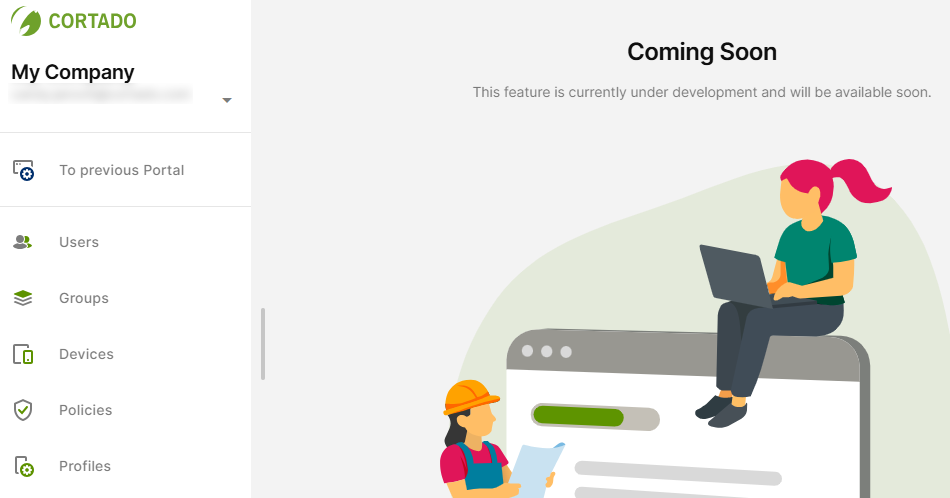
To make the transition as smooth as possible, switching between the current portal and the new Administratrion Portal is now even more convenient.
This allows you to work flexibly in whichever portal best supports your current task – while already benefiting from new improvements and features.
New Feature: Lost Mode Now Available
The new Administration Portal now also includes Lost Mode. This feature helps you quickly secure devices in case they are lost – including a lock screen message, phone number, and location retrieval as soon as the device reports back.
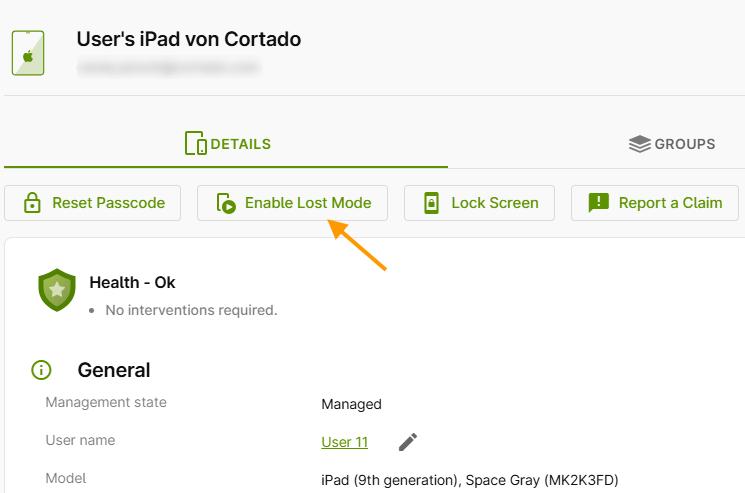
Important: Lost Mode is available for supervised iOS/iPadOS devices and fully managed Android device (COBO).
What happens in Lost Mode?
- The device is locked
- A message and phone number are displayed on the screen
- The device can only be unlocked via the Administration Portal
- The last known location can be viewed (once the device reconnects)
Registered users can find step-by-step instructions in the help article: Enable Lost Mode for fully managed devices.
👉 Your feedback matters!
In the new Administration Portal, you can send us your feedback at any time via the feedback button in the bottom left corner.