'%20d='M300%20636%20L495%20676%20L428%20998%20L340%20904%20L208%20970%20Z'/%3e%3cpath%20fill='url(%23r)'%20d='M724%20636%20L529%20676%20L596%20998%20L684%20904%20L816%20970%20Z'/%3e%3cpath%20fill='url(%23g)'%20d='M512.0%20130.0%20Q572.9%2086.0%20612.3%20149.9%20Q685.3%20132.6%20697.3%20206.7%20Q771.4%20218.7%20754.1%20291.7%20Q818.0%20331.1%20774.0%20392.0%20Q818.0%20452.9%20754.1%20492.3%20Q771.4%20565.3%20697.3%20577.3%20Q685.3%20651.4%20612.3%20634.1%20Q572.9%20698.0%20512.0%20654.0%20Q451.1%20698.0%20411.7%20634.1%20Q338.7%20651.4%20326.7%20577.3%20Q252.6%20565.3%20269.9%20492.3%20Q206.0%20452.9%20250.0%20392.0%20Q206.0%20331.1%20269.9%20291.7%20Q252.6%20218.7%20326.7%20206.7%20Q338.7%20132.6%20411.7%20149.9%20Q451.1%2086.0%20512.0%20130.0%20Z'/%3e%3ccircle%20cx='512'%20cy='392'%20r='224'%20fill='%23FFF6D6'/%3e%3ccircle%20cx='512'%20cy='392'%20r='192'%20fill='url(%23c)'/%3e%3c/svg%3e)
Manage Apple TV centrally:
tvOS management with Cortado
Apple TVs have long been more than streaming devices: in classrooms, lecture halls, and conference rooms, they are tools for presentations and teaching. Cortado MDM integrates them automatically, distributes apps and Wi-Fi profiles, and enforces policies consistently.
Starting point
Why Apple TV belongs in device management
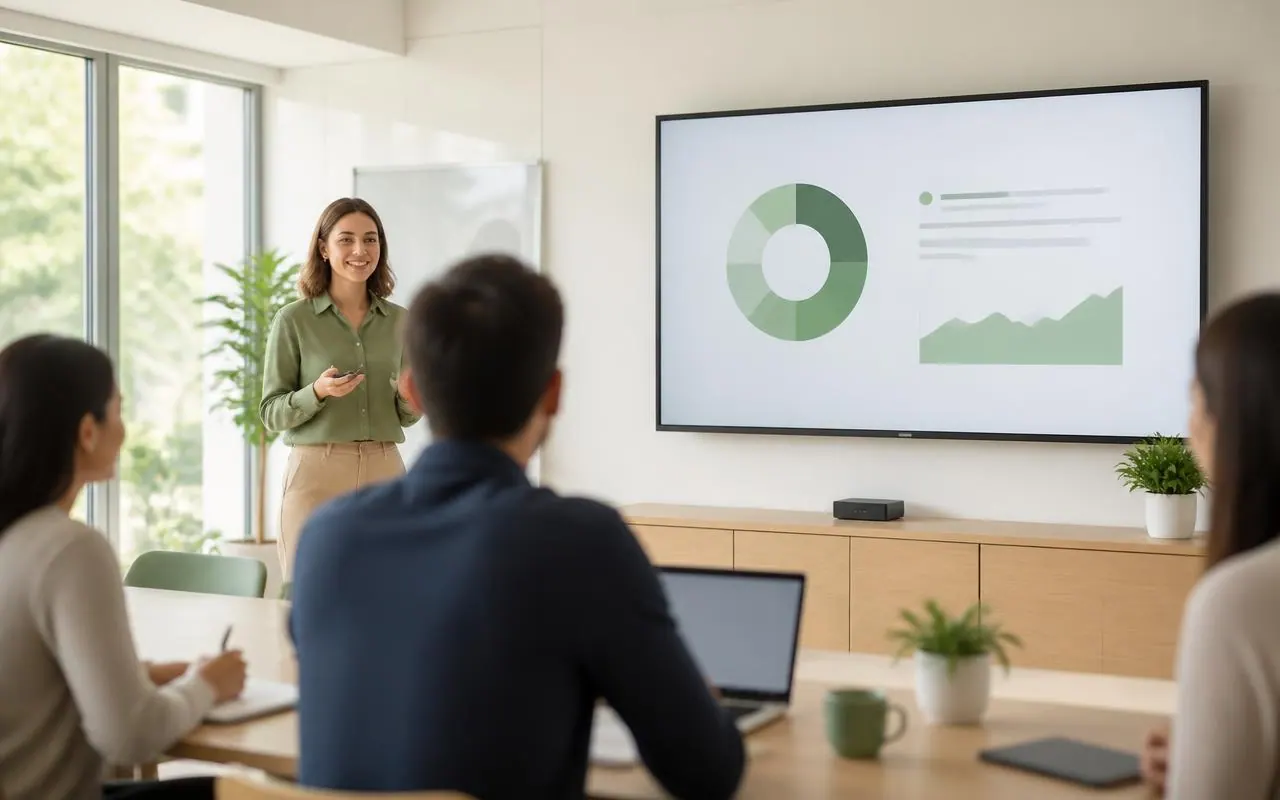
Apple TVs are becoming increasingly important as presentation and teaching tools, especially in schools, universities, and conference rooms. They are installed in rooms used by many people and need to be ready for use at all times.
That is exactly what makes them an IT issue: Who sets up the devices, who maintains Wi-Fi access and apps, and who ensures that no one signs in with a private Apple Account? With Cortado MDM, administrators manage Apple TV devices centrally in the same interface as iPhone, iPad, Mac, and Android devices.
FEATURES
What Cortado covers for Apple TV
From provisioning to reset, every step runs centrally through Cortado MDM.
Automated provisioning
Apple TVs can be provisioned and configured automatically, without setting up each device manually.
Distribute apps centrally
Required apps are assigned and updated centrally so that the same setup is available in every room.
Distribute Wi-Fi credentials
Network profiles and Wi-Fi credentials are delivered to the devices centrally, with no manual entry on site.
Manage operating system updates
tvOS updates can be managed as needed so that all devices are always ready for use and up to date.
Enforce policies
Settings and restrictions are enforced consistently for all Apple TVs, across devices and with full traceability.
Prevent private Apple Accounts
Sign-in with private Apple Accounts can be prevented, reliably meeting data protection and security requirements.
Reset remotely
Apple TVs can be remotely reset to factory settings at any time if needed.
One platform for all Apple devices
Apple TV is managed together with iPhone, iPad, and Mac in one interface instead of separate consoles.
Hosting in Germany
Cortado MDM is operated in a C5-certified data center in Frankfurt am Main.
Shared rooms
Data protection in shared rooms
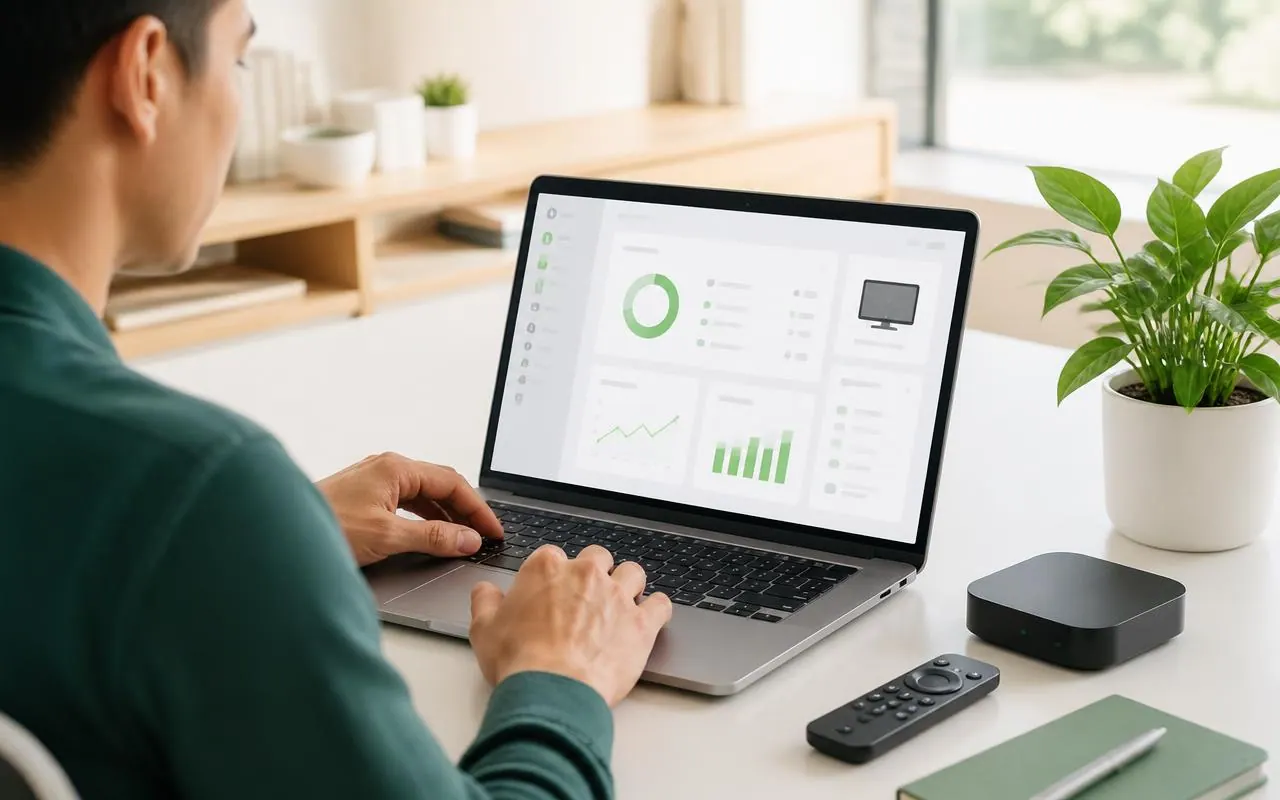
Classrooms, seminar rooms, and meeting rooms are used by different people. To ensure that no private accounts or data are left behind, two mechanisms work together:
- Sign-in with private Apple Accounts can be prevented.
- Devices can be remotely reset to factory settings at any time.
- Policies apply equally to all devices, regardless of who last used the room.
This keeps data protection and security requirements met even when IT is not on site.
IMPLEMENTATION
In standard operation in three steps
Link Apple Business Manager or Apple School Manager with Cortado and assign your Apple TVs to the organization.
Define which apps, Wi-Fi access, and policies apply for each room or location – as a template for all additional devices.
Manage updates, policy changes, and resets remotely without having to enter the room.
CROSS-PLATFORM
All devices in one system
Apple TV is managed together with iPhone, iPad, Mac, and Android devices in the same interface instead of separate consoles.
Mac
Macs run in the same system as mobile devices: initial setup, apps, and security requirements are managed centrally.
Go to Mac managementAndroid
Android Enterprise devices run in the same system: policies, apps, and Wi-Fi profiles are assigned centrally.
Go to Android managementFAQ
Questions about tvOS management
How is an Apple TV added to Cortado MDM?
expand_more
Apple TVs are assigned to your organization via Apple Business Manager or Apple School Manager and then enroll with Cortado automatically. Provisioning and configuration run centrally, without setting up each device individually.
Which settings can be managed centrally?
expand_more
Apps, Wi-Fi credentials, operating system updates, and policies can be distributed or enforced centrally. This ensures that all devices are always ready for use and up to date.
Can private Apple Accounts be blocked?
expand_more
Yes. Sign-in with private Apple Accounts can be prevented, which reliably meets data protection and security requirements even in shared rooms.
Can an Apple TV be reset remotely?
expand_more
Yes. Apple TVs can be remotely reset to factory settings at any time, which is ideal for use in classrooms or shared rooms.
Can we manage Apple TV together with other devices?
expand_more
Yes. Apple TV is managed in the same interface as iPhone, iPad, and Mac – and, if your fleet is mixed, alongside Android devices as well.
Manage Apple TVs centrally
Try Cortado MDM with no obligation, or discuss your Apple setup directly with our team.