'%20d='M300%20636%20L495%20676%20L428%20998%20L340%20904%20L208%20970%20Z'/%3e%3cpath%20fill='url(%23r)'%20d='M724%20636%20L529%20676%20L596%20998%20L684%20904%20L816%20970%20Z'/%3e%3cpath%20fill='url(%23g)'%20d='M512.0%20130.0%20Q572.9%2086.0%20612.3%20149.9%20Q685.3%20132.6%20697.3%20206.7%20Q771.4%20218.7%20754.1%20291.7%20Q818.0%20331.1%20774.0%20392.0%20Q818.0%20452.9%20754.1%20492.3%20Q771.4%20565.3%20697.3%20577.3%20Q685.3%20651.4%20612.3%20634.1%20Q572.9%20698.0%20512.0%20654.0%20Q451.1%20698.0%20411.7%20634.1%20Q338.7%20651.4%20326.7%20577.3%20Q252.6%20565.3%20269.9%20492.3%20Q206.0%20452.9%20250.0%20392.0%20Q206.0%20331.1%20269.9%20291.7%20Q252.6%20218.7%20326.7%20206.7%20Q338.7%20132.6%20411.7%20149.9%20Q451.1%2086.0%20512.0%20130.0%20Z'/%3e%3ccircle%20cx='512'%20cy='392'%20r='224'%20fill='%23FFF6D6'/%3e%3ccircle%20cx='512'%20cy='392'%20r='192'%20fill='url(%23c)'/%3e%3c/svg%3e)
Make mobile work effective and secure
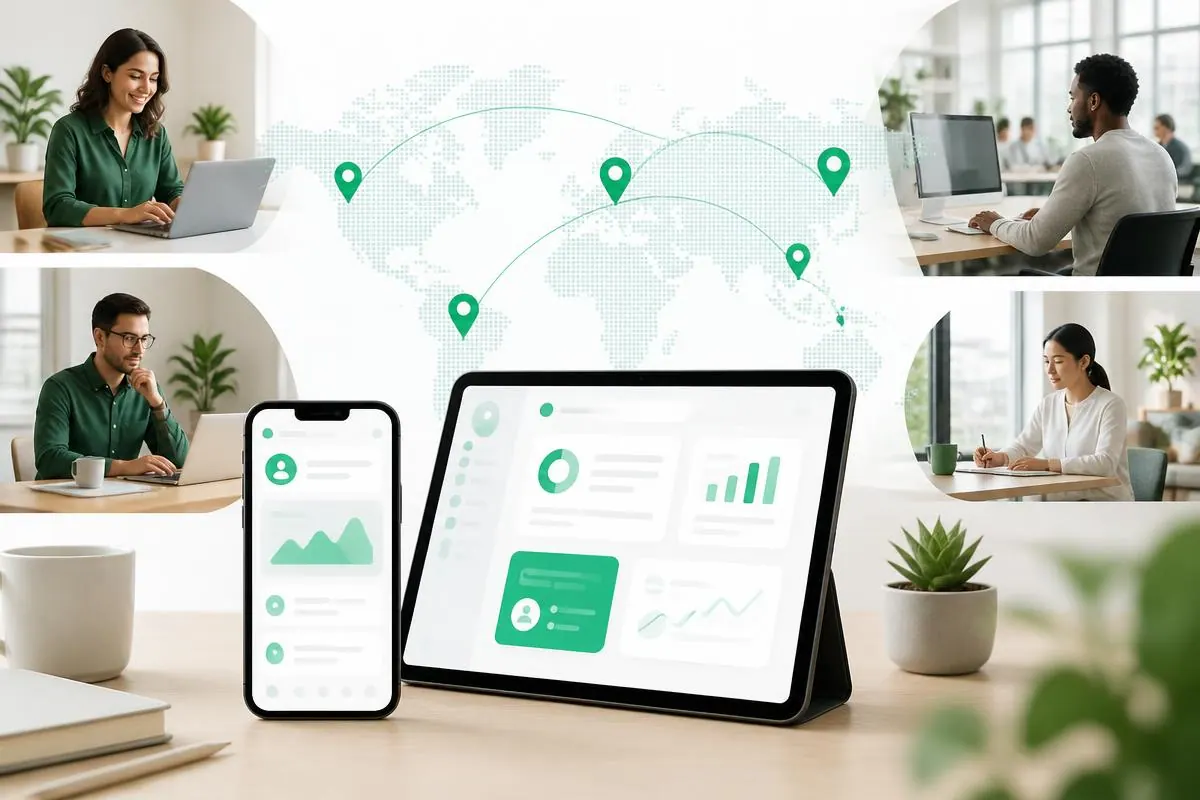
Whether employees work from home, in the field, in service, or across multiple locations, they need to be ready to work right away. With Cortado, smartphones and tablets arrive ready to use – with all required apps, access, and security policies in place from the first time they are powered on.
Starting point
Ready to work – wherever work happens
Employees move between the office, home office, customer appointments, and construction sites. The smartphone is often their most important work device – and it is rarely within reach of IT.
When employees have to wait for a device to be set up, an app to be installed, or access to be approved, they lose working time. Mobile work succeeds when technology stays in the background: unbox the device, sign in, and get started – while automatically following the rules that apply to corporate data.
ENABLEMENT
What employees need – and how Cortado delivers it
Good device management is most noticeable when no one talks about it. Cortado keeps teams on the go as productive as they are in the office.
Ready to use immediately
The device sets itself up the first time it is powered on. Employees sign in and start working – without waiting and without an IT appointment.
All apps and access included
Business apps, Wi-Fi, VPN, and email are already configured. No one has to ask for installation files, passwords, or instructions.
Self-service instead of tickets
Resetting a passcode, installing an app, setting up a device again: routine issues can be resolved remotely – even after hours or on the go.
Personal stays personal
On personal and mixed-use devices, administration only has access to the work area. Photos, messages, and personal apps remain untouched.
Work securely without workarounds
Encryption, passcode rules, and protected work areas run in the background. The user experience stays the way the team knows it.
Support regardless of location
Whether in a branch office, home office, or vehicle, IT can see device status and respond directly – without anyone having to send in a device.
Rollout
Unbox and get started – without an on-site appointment
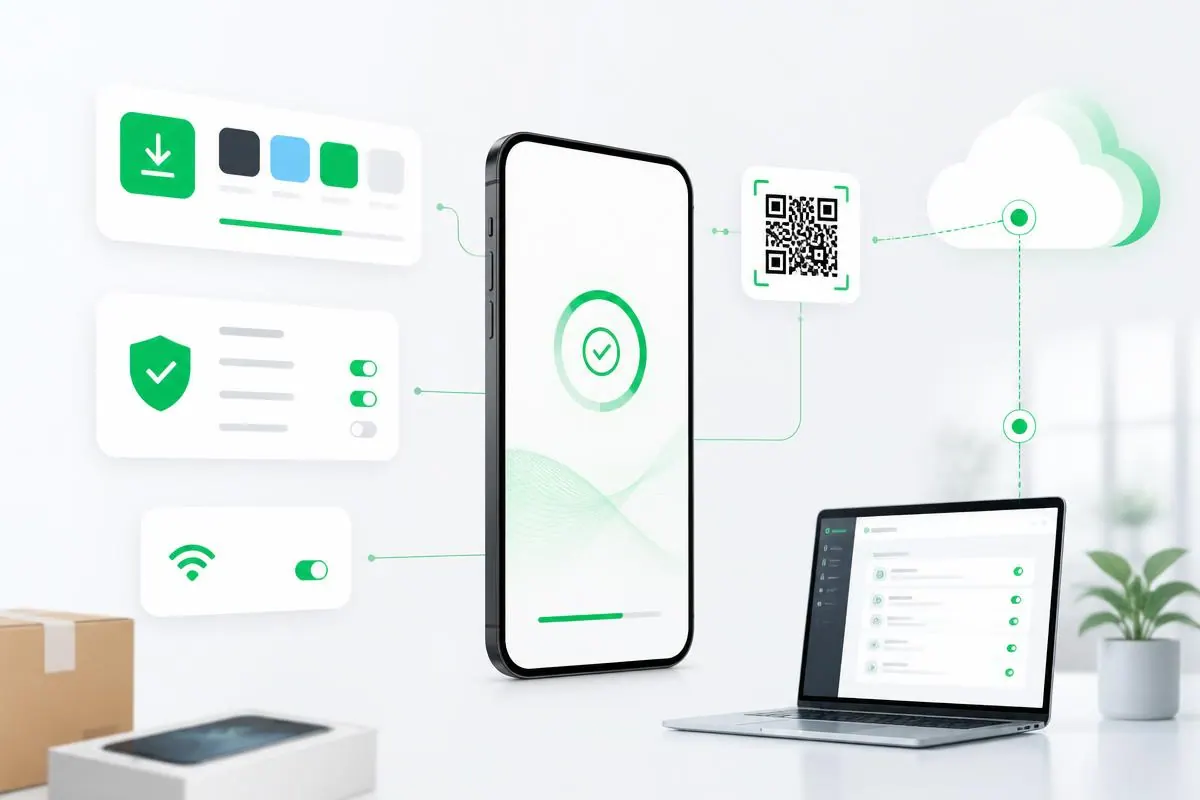
New devices do not have to pass through the IT department. Using Apple Business Manager, Android Enterprise zero-touch, or QR code enrollment, the device enrolls itself and is configured according to your requirements.
- Apps and configurations are installed automatically
- Security policies apply from the first startup
- Employees start right away – wherever they are
- Device replacements and follow-up orders follow the same process
SECURITY
Work securely without slowing down
Protective measures work where they are needed – and stay invisible in everyday work.
Encryption and passcode
Device encryption and passcode rules apply automatically to all managed devices – defined once, active everywhere.
Separate work areas
Work data resides in its own work profile. Employees can switch between personal and work use with a single tap.
Response in case of loss
Lost devices can be locked, located, and selectively or fully wiped – even from across the country.
DEVICE MODELS
COBO, COPE, and BYOD on one platform
Distributed teams rarely work with just one device model. Cortado covers company-owned and personal devices together – with rules that remain clear to employees.
COBO – company-owned devices
For field service, service teams, and logistics: the device is tailored to the task, all required apps are available, and personal use is not needed.
More about COBO managementCOPE – work device with personal use
One device for both: employees may use it personally, while the work area remains clearly separated and protected.
More about COPE managementBYOD – personal devices
Employees who want to use their own device work in the protected work profile. Personal content remains completely outside management.
More about BYOD managementTHE SOLUTION IN DETAIL
What Cortado covers for mobile teams
From initial enrollment to decommissioning – for iOS, iPadOS, and Android in one interface.
Zero-touch enrollment
Devices enroll automatically via Apple Business Manager, Android Enterprise, or QR code – no one waits for setup.
App and policy deployment
Business apps, credentials, and settings are assigned centrally and kept up to date without employees having to maintain them.
Device Lifecycle Management
Onboarding, device replacement, repair, and offboarding run as a controlled process – new employees are equipped on day one.
Remote lock and wipe
In case of loss or theft, IT responds immediately without needing the device to be available.
Visibility across the fleet
Device status, operating system versions, and policy violations are visible in the dashboard at any time.
Fewer support touchpoints
Recurring tasks run automatically, and employees resolve routine issues themselves – saving waiting time on both sides.
IMPLEMENTATION
Productive in three steps
You define which teams use which devices and which model fits – COBO, COPE, BYOD, or a combination of them.
You set up policies and apps for a small test group and evaluate their effect in everyday work – directly in the administration portal, with no project lead time.
The rollout runs automatically via zero-touch or QR code. Employees receive a ready-to-use device and brief instructions – that is all they need to get started.
CUSTOMER CASE STUDIES
Mobile work in practice
Three organizations that centrally equip and manage their mobile teams with Cortado.

Digital construction site: mobile work at Gebr. Donhauser
Bau & HandwerkThe construction company Gebr. Donhauser Bau uses mobile technologies to make processes on the construction site and in the office more efficient.

Driving assignments sent remotely to tablets
Logistik & TransportThe drivers at Beeken Transport und Logistik receive orders and freight documents on Android tablets managed with Cortado MDM.

250 smartphones in one go
ITinfoteam Software Gruppe rolled out 250 devices in one step with Cortado MDM – with more to follow.
WHO IT IS FOR
For teams that are not at their desks
We most often support these work situations – the requirements for equipment, security, and effort are similar everywhere.
Multiple locations
Branches, offices, and plants whose teams need to be equipped consistently – without on-site IT.
Field service and service teams
Teams that work at customer sites, on the road, or on construction sites and need reliable access to data and apps there.
Hybrid knowledge work
Employees who move between the office, home office, and working on the go while staying reachable and productive.
Mixed device fleets
iOS and Android, company-owned and personal – managed together instead of in separate tools.
TRUST
Award-winning and recognized
Cortado has received multiple Leader awards in Mobile Device Management and carries the Software Made in Germany and Software Made in Europe quality seals.

FREQUENTLY ASKED QUESTIONS
Questions about mobile work and MDM
What do employees notice about device management?
expand_more
Ideally, very little: the device is fully set up at first startup, the required apps are available, and security rules apply automatically. Management is mainly visible where it helps – for example, when an app is installed or a passcode is reset remotely.
On the device itself, employees mainly interact with the Cortado app: enrollment runs through it, it shows the device status, and it provides corporate apps and access. You can find details in our help articles for Android devices and Apple devices.
Do private data really stay private?
expand_more
Yes. With BYOD and COPE, work data is stored in a separate work profile. Administrators can see and manage only this area; private photos, messages, apps, and location data remain out of reach. A wipe command also affects only the work portion.
The Cortado App also operates only in the work area – it manages corporate apps and policies, not the device’s private content (Cortado App for Android, Cortado App for Apple).
Do we really need a dedicated MDM at this point?
expand_more
As soon as you have more devices in use than you can comfortably set up by hand, centralized management pays off – usually much earlier than expected. The deciding factor is rarely the number alone, but whether your teams can work at any time and you know which devices are in circulation.
How quickly can we go live?
expand_more
The console is ready to use immediately; a short pilot with a small device group is typical, during which policies and apps are fine-tuned. After that, the rollout runs automatically via Apple Business Manager, Android Enterprise, or QR code – devices arrive preconfigured for the team.
Do we need expert knowledge for this?
expand_more
No. Cortado is deliberately focused on mobile devices and can be administered without certifications or specialized training. During implementation, our Berlin-based team supports you directly, without passing tickets back and forth.
How do we manage devices for employees working from home and in the field?
expand_more
Just like devices in the office: management takes place over the cellular network or Wi-Fi. Policies, apps, and updates reach the device wherever it is, and if it is lost, it can be locked or wiped remotely.
What is the difference between COBO, COPE, and BYOD?
expand_more
COBO refers to company-owned devices used only for work, COPE to company-owned devices with permitted private use, and BYOD to private devices used for work. With COPE and BYOD, work data is managed in a separate work profile; private content remains out of administrators’ reach.
Make mobile work easier now
Try Cortado MDM with no obligation – or discuss your device strategy directly with our team.