'%20d='M300%20636%20L495%20676%20L428%20998%20L340%20904%20L208%20970%20Z'/%3e%3cpath%20fill='url(%23r)'%20d='M724%20636%20L529%20676%20L596%20998%20L684%20904%20L816%20970%20Z'/%3e%3cpath%20fill='url(%23g)'%20d='M512.0%20130.0%20Q572.9%2086.0%20612.3%20149.9%20Q685.3%20132.6%20697.3%20206.7%20Q771.4%20218.7%20754.1%20291.7%20Q818.0%20331.1%20774.0%20392.0%20Q818.0%20452.9%20754.1%20492.3%20Q771.4%20565.3%20697.3%20577.3%20Q685.3%20651.4%20612.3%20634.1%20Q572.9%20698.0%20512.0%20654.0%20Q451.1%20698.0%20411.7%20634.1%20Q338.7%20651.4%20326.7%20577.3%20Q252.6%20565.3%20269.9%20492.3%20Q206.0%20452.9%20250.0%20392.0%20Q206.0%20331.1%20269.9%20291.7%20Q252.6%20218.7%20326.7%20206.7%20Q338.7%20132.6%20411.7%20149.9%20Q451.1%2086.0%20512.0%20130.0%20Z'/%3e%3ccircle%20cx='512'%20cy='392'%20r='224'%20fill='%23FFF6D6'/%3e%3ccircle%20cx='512'%20cy='392'%20r='192'%20fill='url(%23c)'/%3e%3c/svg%3e)
Set up and manage devices centrally
Enroll, configure, deploy: With Cortado device management, you can put iPhones, iPads, Macs, Apple TVs, and Android devices into production without manual setup – and then manage them centrally from a single interface.
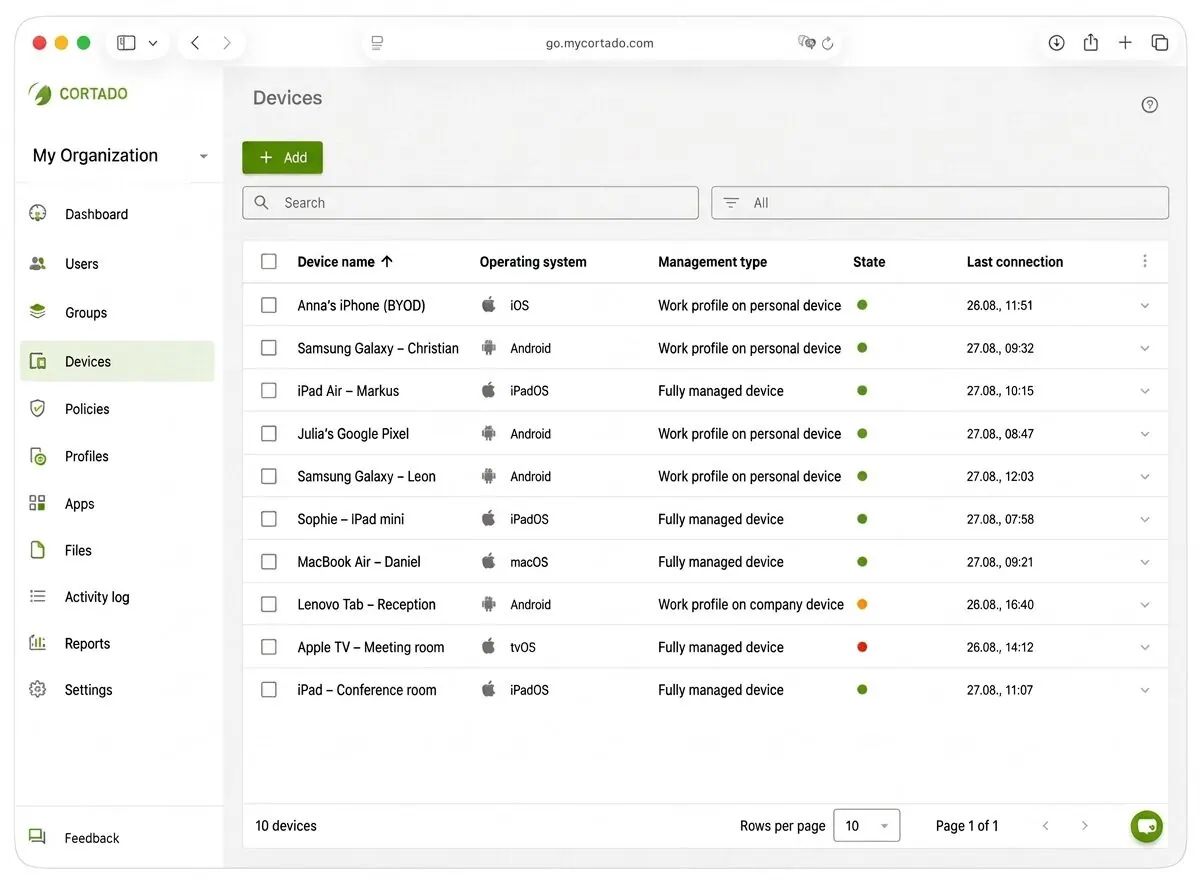
DEVICE MANAGEMENT AT A GLANCE
Set up, configure, and stay in control of devices
From initial setup and central settings to ongoing oversight: Cortado brings every step of device management together in one place.
Zero-touch setup
New devices are enrolled automatically and deployed ready for use, with no manual setup by IT.
Configure centrally
Define Wi-Fi, VPN, email, and device settings once and assign them specifically to devices or groups.
Always in view
See which devices are managed and whether requirements are being applied, and respond remotely.
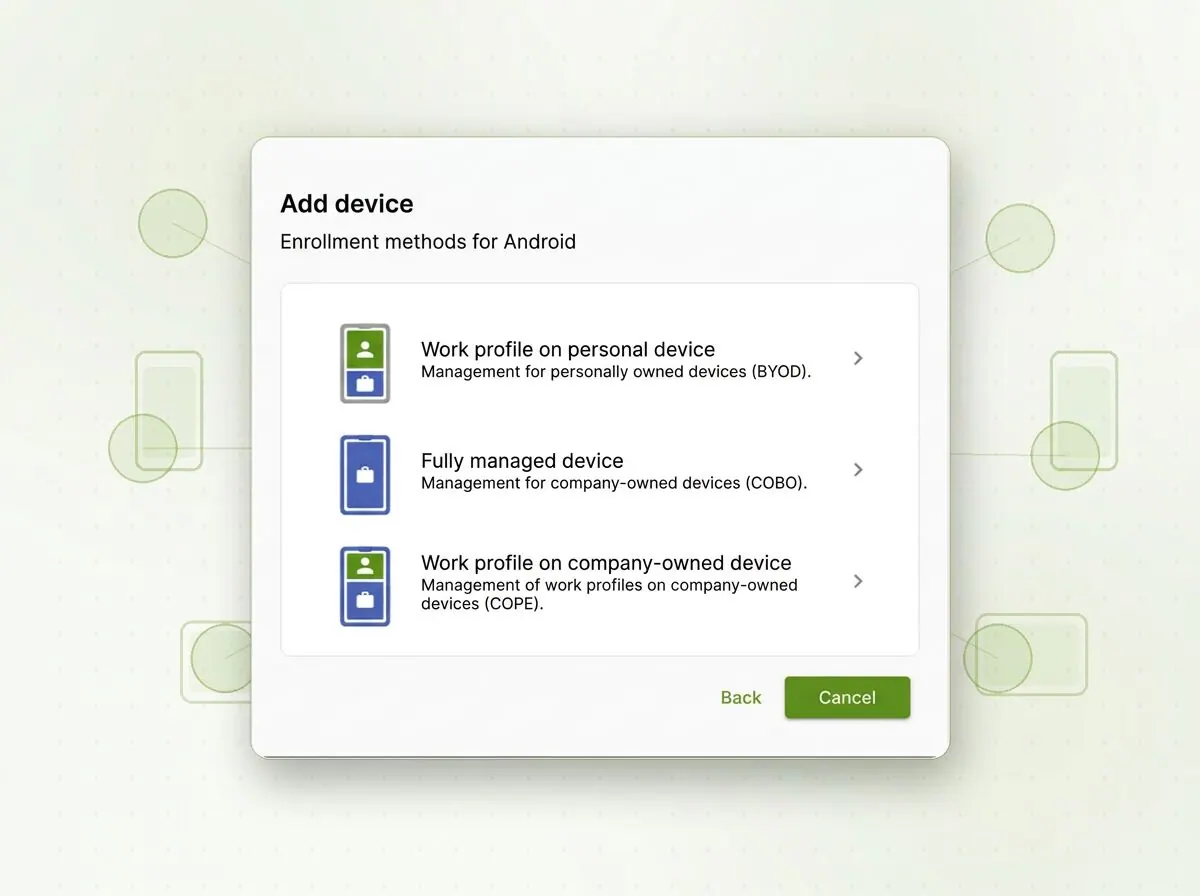
ENROLL AND DEPLOY DEVICES
Deploy new devices without manual setup effort
New smartphones, tablets, and Macs no longer need to be set up individually by IT. With Cortado, devices can be enrolled centrally and automatically added to the right management environment. That means the required settings, access, and policies are already in place before the device is used for the first time.
Employees receive a device that is ready for business use from the start – without IT having to manually configure every smartphone, tablet, or Mac beforehand
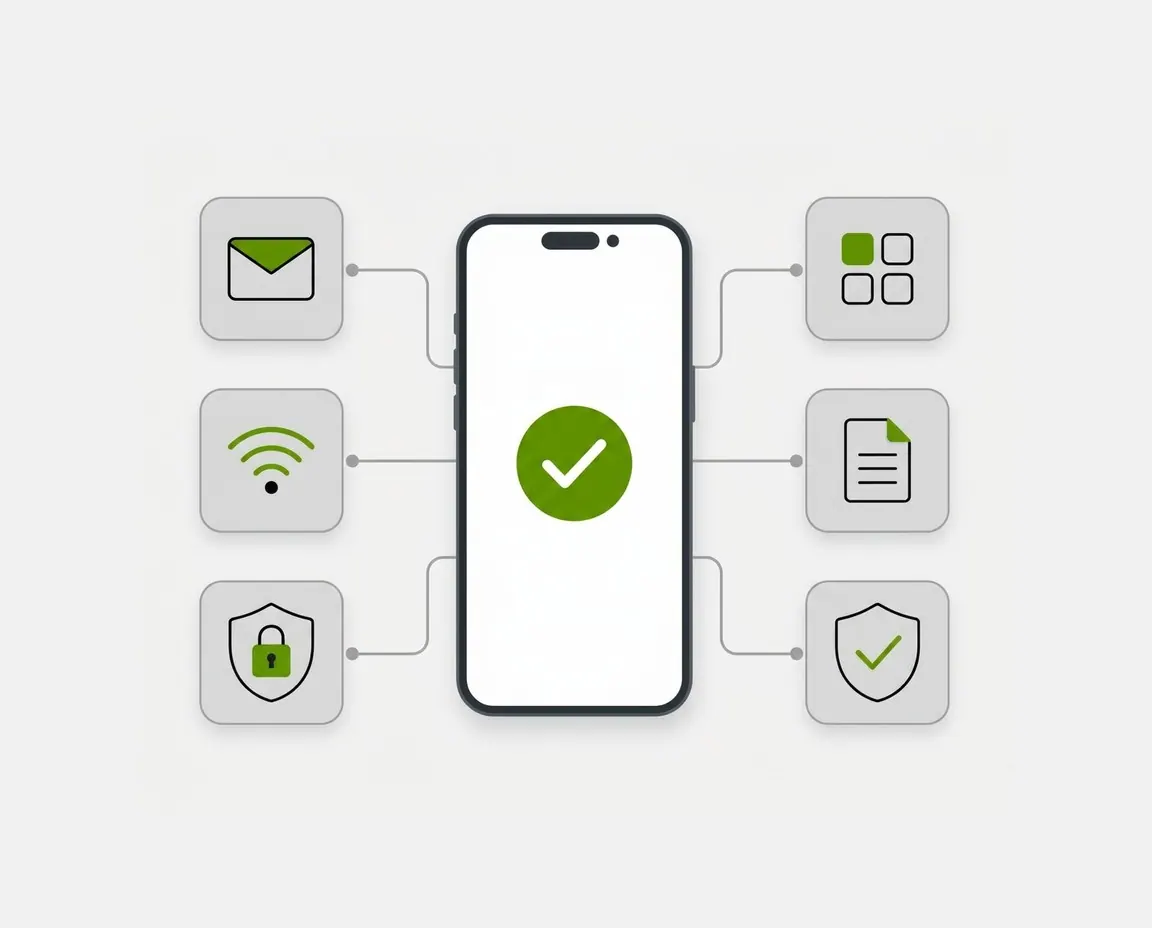
CONFIGURE DEVICES CENTRALLY
Define settings once instead of device by device
In Cortado, you centrally define how devices should be configured. The defined settings are then automatically pushed to all assigned devices without having to set them up one by one.
For example, Exchange accounts, Wi-Fi access, and VPN connections can be centrally preconfigured and reliably deployed. This saves time during setup while ensuring consistent configurations across all devices.
From the same interface, you can also centrally deploy apps, files, and security policies.
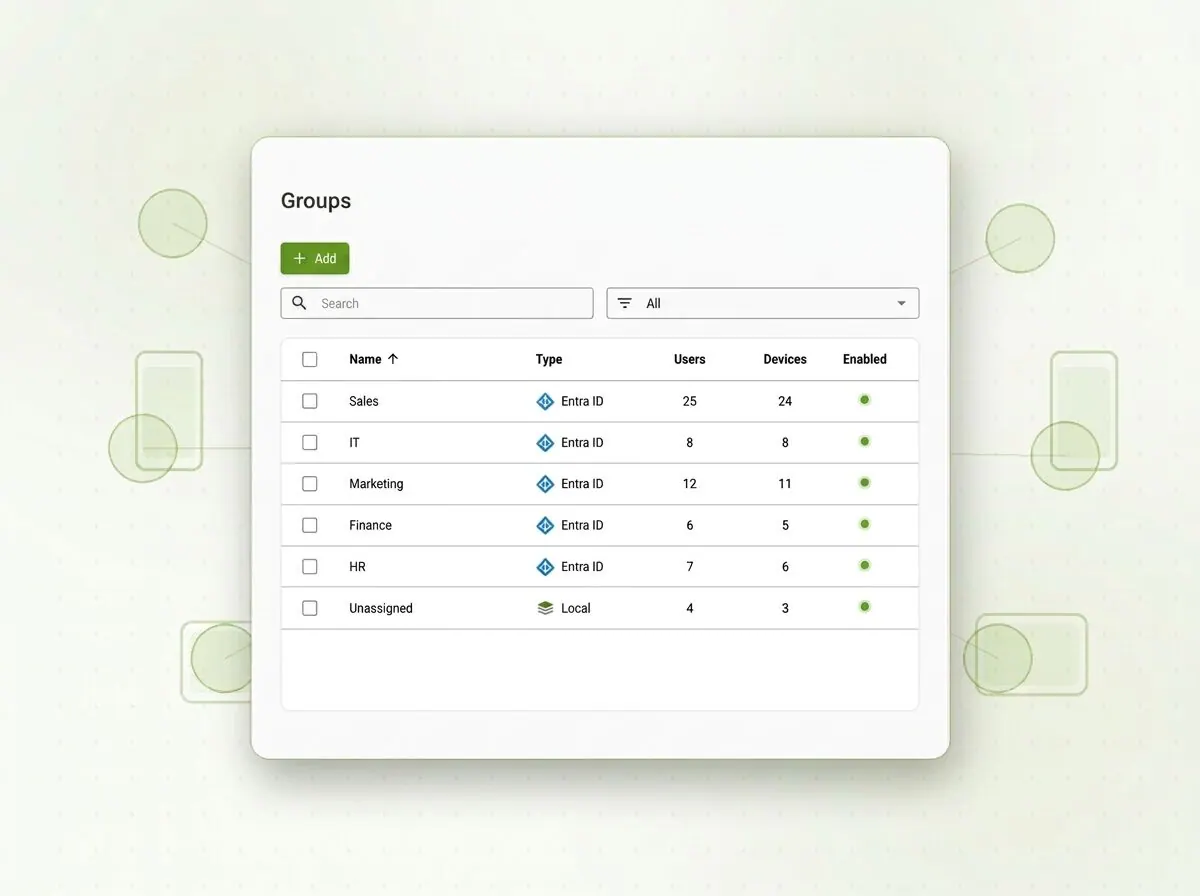
ORGANIZE USERS AND GROUPS
Assign devices to the right users and groups
Devices and users can be organized into groups by department, location, or role. Each group gets its own configurations, profiles, and apps – so new employees are automatically equipped correctly.
By synchronizing with Microsoft Entra ID or the Google Workspace Directory, groups and assignments can be imported without duplicate maintenance. If a role or location changes, the appropriate requirements apply automatically.
In the overview, you can always see which device is assigned to which user and which group assignments and policies apply to it.
AWARDS & REVIEWS



KEEP COMPLIANCE STATUS IN VIEW
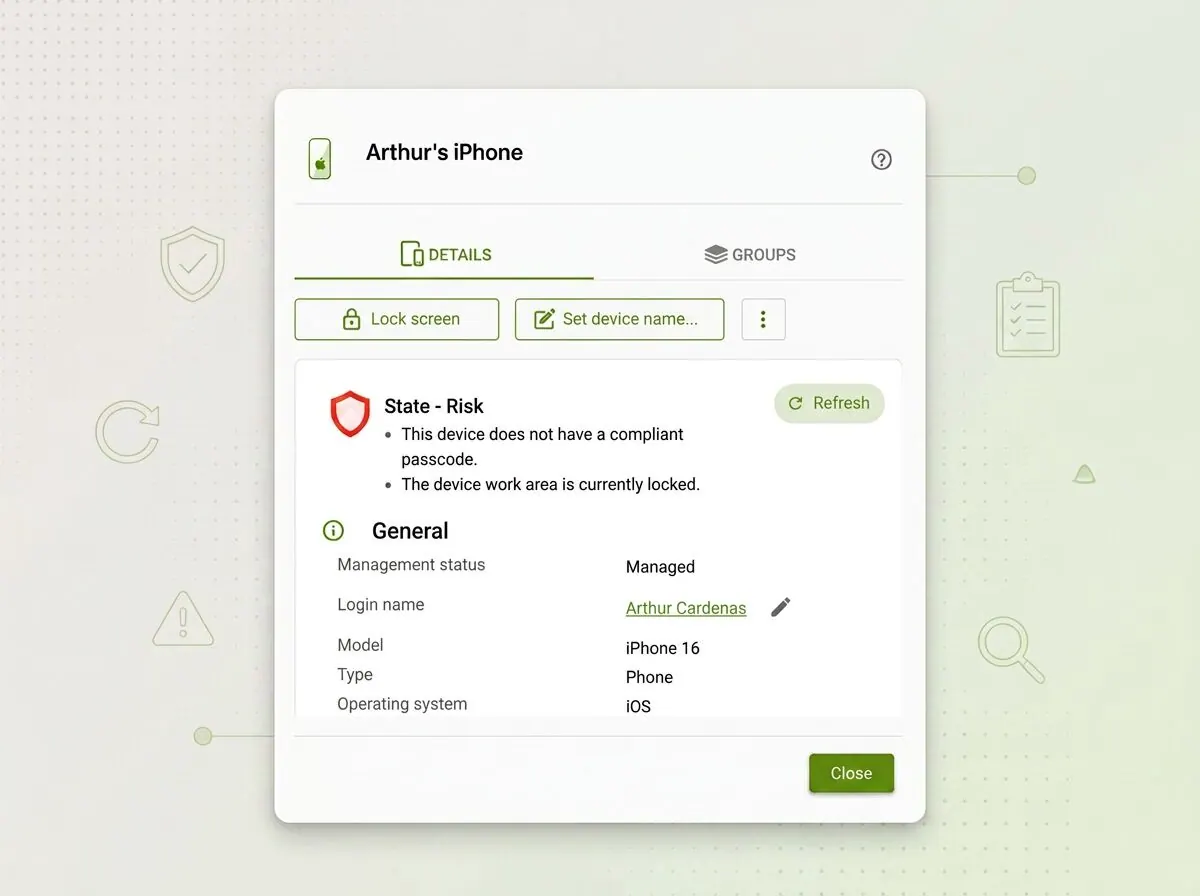
Always know what state your devices are in
Assigning configurations and policies is one thing – knowing whether they have actually arrived is another. Cortado shows you the current status of your device fleet without requiring you to check devices individually.
- Which devices are managed, active, or have not been reachable for some time
- Whether assigned configurations and policies have actually reached the device
- Where deviations exist so IT can take targeted action
RESPOND REMOTELY
Stay in control even when the device is not in front of you
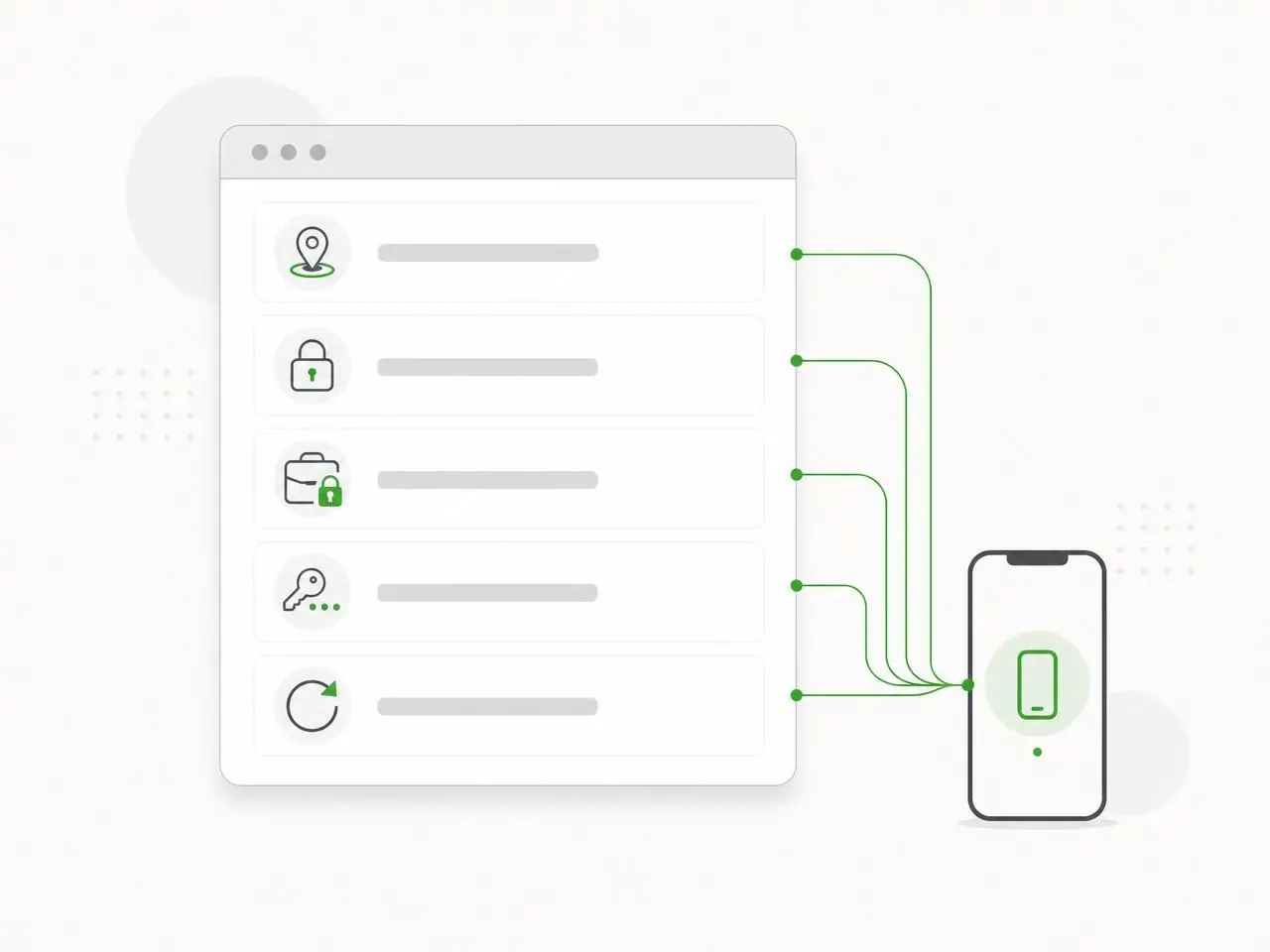
Loss, theft, a forgotten passcode, or short-notice offboarding – in these situations, you can respond quickly and precisely, even remotely. The following options are available in the Cortado console:
- Activate Lost Mode
- Lock device or work profiles
- Locate device
- Fully or selectively wipe device
- Reset device to factory settings
On personal devices, wiping and locking remain limited to the work area. Employees’ personal photos, messages, and apps remain untouched.
DISCOVER MORE
Everything that goes with device management
Device management is the core of Cortado MDM – surrounded by additional modules, supported platforms, and integration with your existing IT.
Security Management
Security policies, encryption, separation of personal and work data, and responses to loss or policy violations.
Learn moreMobile Content Management
Securely provide documents and content on mobile devices and control access.
Learn moreMobile Asset Management
Maintain contract, leasing, and device data centrally and document inventory through reports.
Learn moreCUSTOMER VOICES
What our customers say
From software development and education to municipal administration: see how device management with Cortado works in everyday use.

Infoteam Software
Everything runs smoothly. We actually have very little administrative effort because everything is quite easy to handle.

Veledes Bildung
I’m really fascinated by Cortado! The operation is self-explanatory, and above all the speed with which you can set up and configure everything is impressive.

Stadt Mechernich
The software configuration was easy. The prepared EU GDPR-compliant templates for Android and iOS devices are convenient here.
FAQ
Questions about device management
How are devices added to management?
expand_more
Three ways: automatically via Apple Business Manager or Android Zero-Touch, by invitation to employees with a QR code or link, or as a bulk import of existing devices. All options can be used in parallel.
What exactly is zero-touch enrollment, and what is required for it?
expand_more
With Zero-Touch Enrollment, a device enrolls itself the first time it is turned on and sets itself up completely based on the stored template. This requires an account with Apple Business Manager or Android Zero-Touch, as well as devices that were added there at the time of purchase. IT no longer has to touch the device – it can be delivered directly to the workplace.
How do configurations and profiles differ?
expand_more
A configuration is a single setting, such as Wi-Fi access, an email account, or a passcode rule. A profile combines several of these configurations into a reusable template that you assign to a user group or device group. When you change the profile, the setting changes on all assigned devices.
What can you do with a device remotely?
expand_more
You can lock, locate, reset the passcode for, and wipe devices remotely if they are lost. You can also install or remove apps, replace configurations, and initiate operating system updates. On personal devices, wipe actions are limited to the work profile.
How does group management with Microsoft Entra ID work?
expand_more
Users and groups can be imported from Microsoft Entra ID and synchronized. This automatically places new employees in the right group and gives them that group’s profiles, apps, and policies – without maintaining data manually in two systems.
Can company-owned and personal devices be managed together?
expand_more
Yes. COBO, COPE, BYOD, and kiosk scenarios can run in parallel in the same console. Different profiles apply depending on the deployment model, so company-owned devices are fully managed, while on personal devices IT only has access to the work area.
How can I see whether a configuration actually reached the device?
expand_more
In the overview, each device shows which profiles and configurations are assigned to it and when it last checked in. This lets you see whether an assignment has taken effect or whether a device needs follow-up action – for example, because it has been offline for an extended period.
How do I keep track of my devices’ compliance status?
expand_more
In device management, you can see the status and assignment of each device as well as any deviations from the assigned requirements. We describe the related security policies, encryption and separation rules, and automatic responses to policy violations on the Mobile Security Manager page.
Start your device management now
Try Cortado free for 14 days – registration, configuration, and your first devices in just a few minutes.