'%20d='M300%20636%20L495%20676%20L428%20998%20L340%20904%20L208%20970%20Z'/%3e%3cpath%20fill='url(%23r)'%20d='M724%20636%20L529%20676%20L596%20998%20L684%20904%20L816%20970%20Z'/%3e%3cpath%20fill='url(%23g)'%20d='M512.0%20130.0%20Q572.9%2086.0%20612.3%20149.9%20Q685.3%20132.6%20697.3%20206.7%20Q771.4%20218.7%20754.1%20291.7%20Q818.0%20331.1%20774.0%20392.0%20Q818.0%20452.9%20754.1%20492.3%20Q771.4%20565.3%20697.3%20577.3%20Q685.3%20651.4%20612.3%20634.1%20Q572.9%20698.0%20512.0%20654.0%20Q451.1%20698.0%20411.7%20634.1%20Q338.7%20651.4%20326.7%20577.3%20Q252.6%20565.3%20269.9%20492.3%20Q206.0%20452.9%20250.0%20392.0%20Q206.0%20331.1%20269.9%20291.7%20Q252.6%20218.7%20326.7%20206.7%20Q338.7%20132.6%20411.7%20149.9%20Q451.1%2086.0%20512.0%20130.0%20Z'/%3e%3ccircle%20cx='512'%20cy='392'%20r='224'%20fill='%23FFF6D6'/%3e%3ccircle%20cx='512'%20cy='392'%20r='192'%20fill='url(%23c)'/%3e%3c/svg%3e)
The Activity Log: Keep Track of Changes at All Times
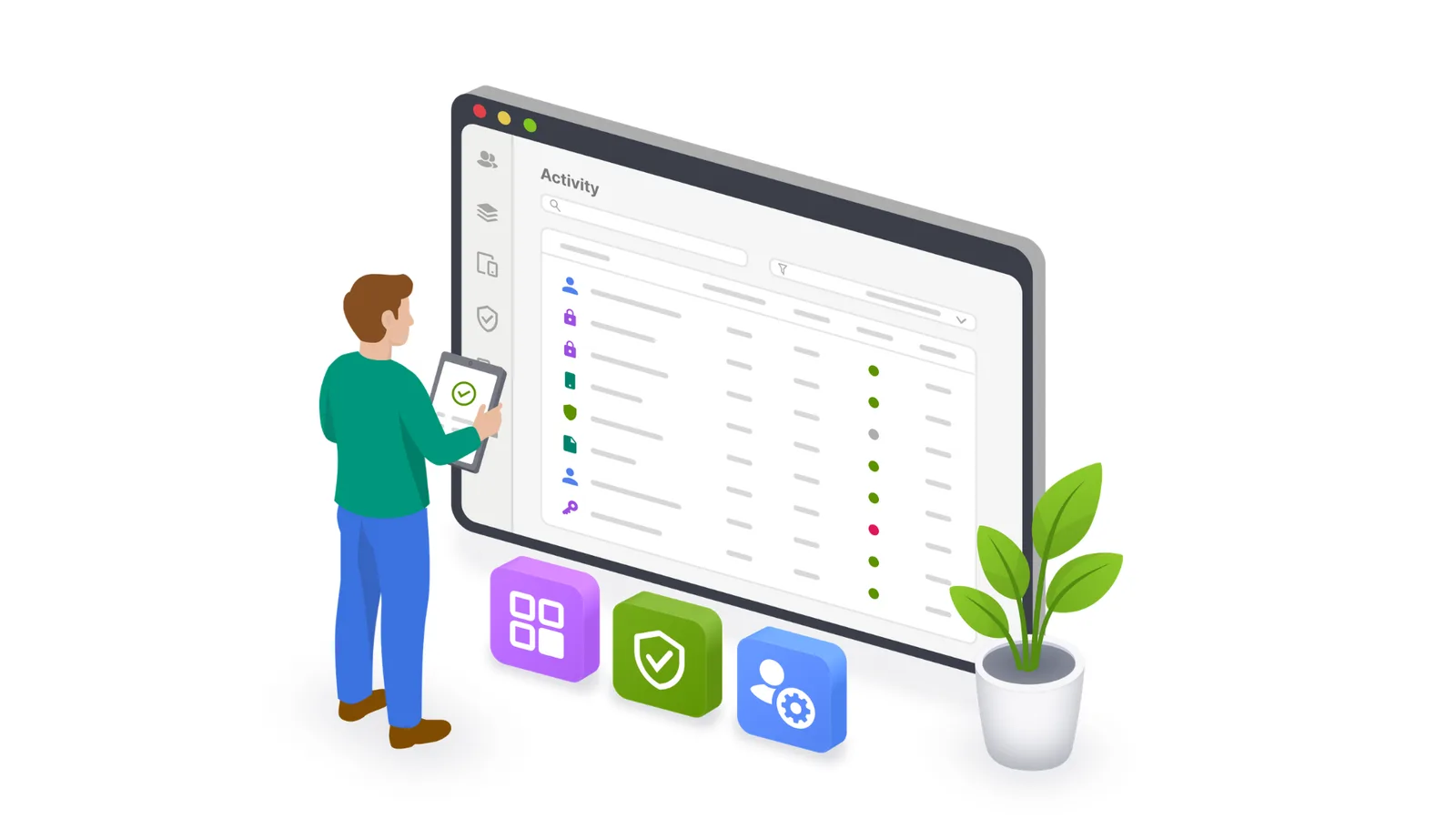
Who changed a policy? When was a device assigned to another person? And which users were most recently assigned the new app? These are exactly the questions the new activity log in Cortado MDM answers.
More Transparency in Day-to-Day Administration
With the activity log, you always know what was changed, when, and by whom. It makes changes in the administration portal transparent and makes troubleshooting easier when settings have changed unexpectedly or configurations no longer work as intended.
All Key Information at a Glance
Among other things, the activity log in Cortado MDM shows:
- which action was performed
- which resource was affected
- who triggered the change
- which administration area it came from
- when the change took place
Depending on the event, the detail view provides additional information, such as the previous name of a renamed object.
Analyze and Export Events
For targeted analysis, events can be filtered by severity, action, actor and source. The log can also be exported as a CSV or JSON file, taking into account any filters, search terms and time ranges you have set.
The activity log is available to administrators in the new administration portal. Actions from the previous portal are also recorded and displayed there. Events are stored for 90 days and can be exported for longer retention.
The activity log thus combines more transparency in everyday admin work, faster answers and reliable documentation of important operations.
Availability and Documentation
The Activity Log feature is included in the Pro and Enterprise plans.
For more information, see the documentation.