'%20d='M300%20636%20L495%20676%20L428%20998%20L340%20904%20L208%20970%20Z'/%3e%3cpath%20fill='url(%23r)'%20d='M724%20636%20L529%20676%20L596%20998%20L684%20904%20L816%20970%20Z'/%3e%3cpath%20fill='url(%23g)'%20d='M512.0%20130.0%20Q572.9%2086.0%20612.3%20149.9%20Q685.3%20132.6%20697.3%20206.7%20Q771.4%20218.7%20754.1%20291.7%20Q818.0%20331.1%20774.0%20392.0%20Q818.0%20452.9%20754.1%20492.3%20Q771.4%20565.3%20697.3%20577.3%20Q685.3%20651.4%20612.3%20634.1%20Q572.9%20698.0%20512.0%20654.0%20Q451.1%20698.0%20411.7%20634.1%20Q338.7%20651.4%20326.7%20577.3%20Q252.6%20565.3%20269.9%20492.3%20Q206.0%20452.9%20250.0%20392.0%20Q206.0%20331.1%20269.9%20291.7%20Q252.6%20218.7%20326.7%20206.7%20Q338.7%20132.6%20411.7%20149.9%20Q451.1%2086.0%20512.0%20130.0%20Z'/%3e%3ccircle%20cx='512'%20cy='392'%20r='224'%20fill='%23FFF6D6'/%3e%3ccircle%20cx='512'%20cy='392'%20r='192'%20fill='url(%23c)'/%3e%3c/svg%3e)
Tablets for teaching, Apple TV in the classroom – centrally managed
Classroom tablets, teacher devices, administration smartphones, and Apple TV for presentations: With Cortado MDM, you set up all devices centrally, protect student data, and keep operations stable throughout the school year.
WHAT CORTADO OFFERS
More time for teaching. Less effort with devices.
Digital devices have long been part of everyday life in schools and universities. Cortado MDM brings setup, data protection, app distribution, and presentation technology together in one place – clearly and without specialist knowledge.
SETUP
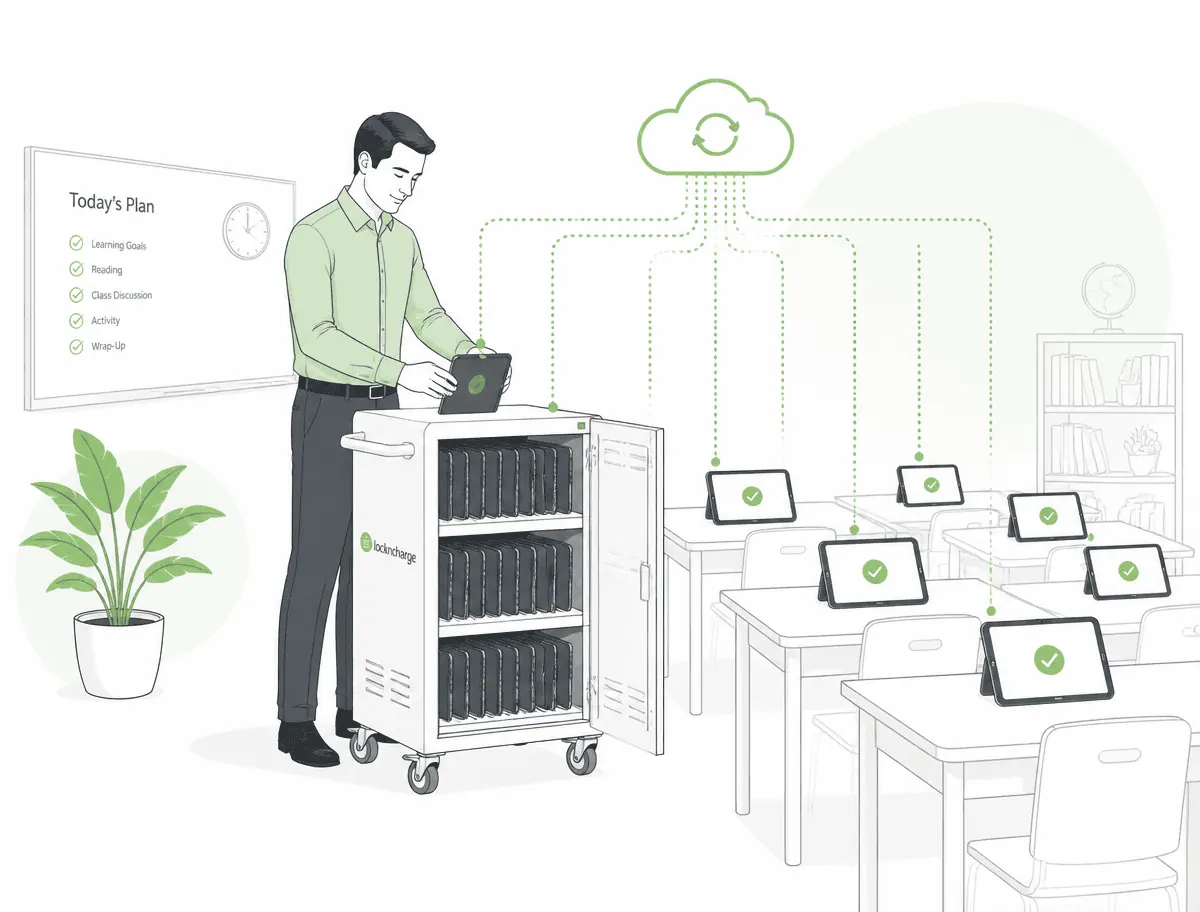
Set up classroom sets quickly and without manual work
New tablets set themselves up the first time they are turned on and arrive at school fully configured – no one has to tap through device by device.
- Devices start fully set up, including Wi-Fi and apps
- Device groups by class, department, or location
- Provide replacement devices in minutes instead of hours
SHARED DEVICES
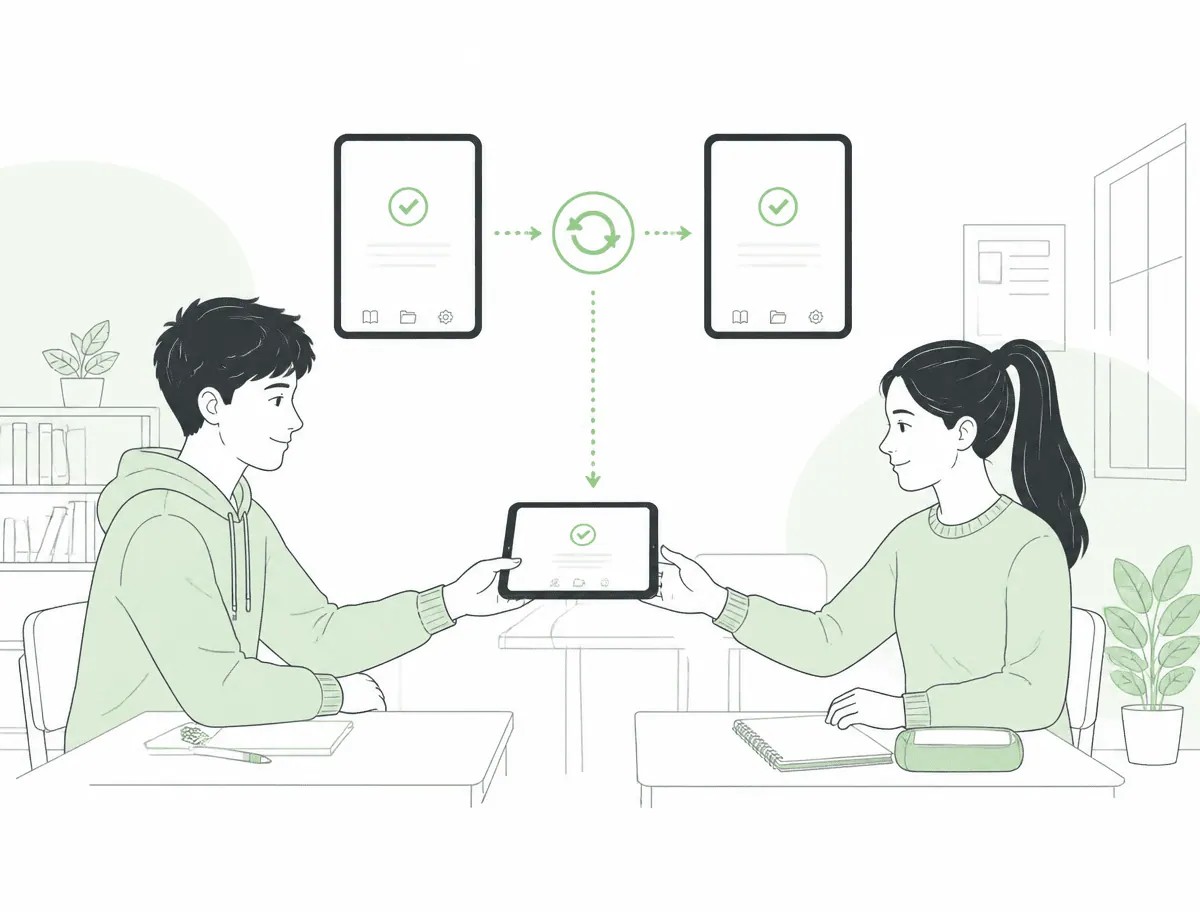
Shared classroom devices: the same state every lesson
One tablet, many hands: Only the apps needed for class are visible. Every lesson starts from the same state – without anyone having to clean up beforehand.
- Limit devices to the required apps and content
- Automatically reset to the initial state after class
- Clear rules for checkout and return
DATA PROTECTION
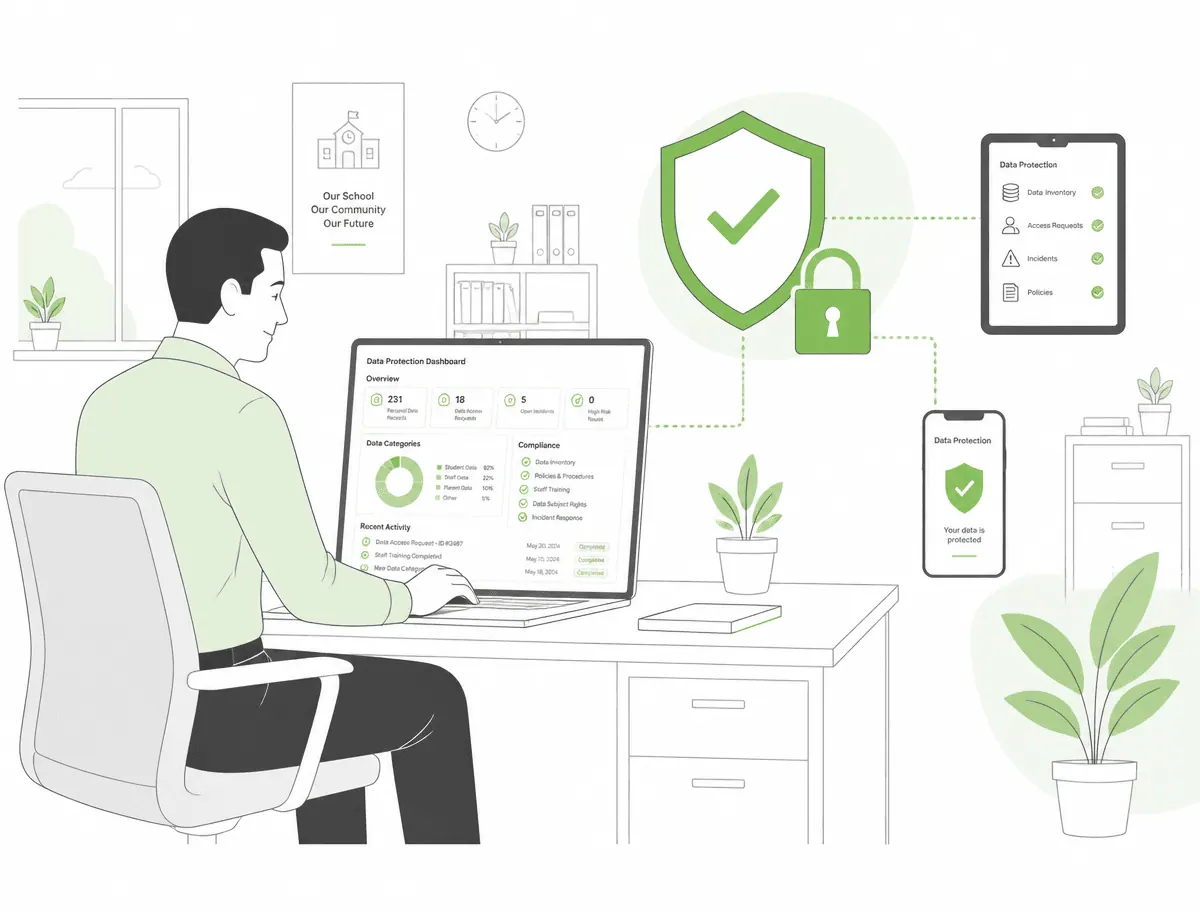
Protect student data and meet data protection requirements
Student and teacher data needs to be protected. Cortado ensures that school information stays in a secured area and that private use remains clearly separated.
- Separate work area, also on teachers’ personal devices
- No access to private content or locations
- Hosting in Germany and data processing under the EU GDPR
LEARNING APPS
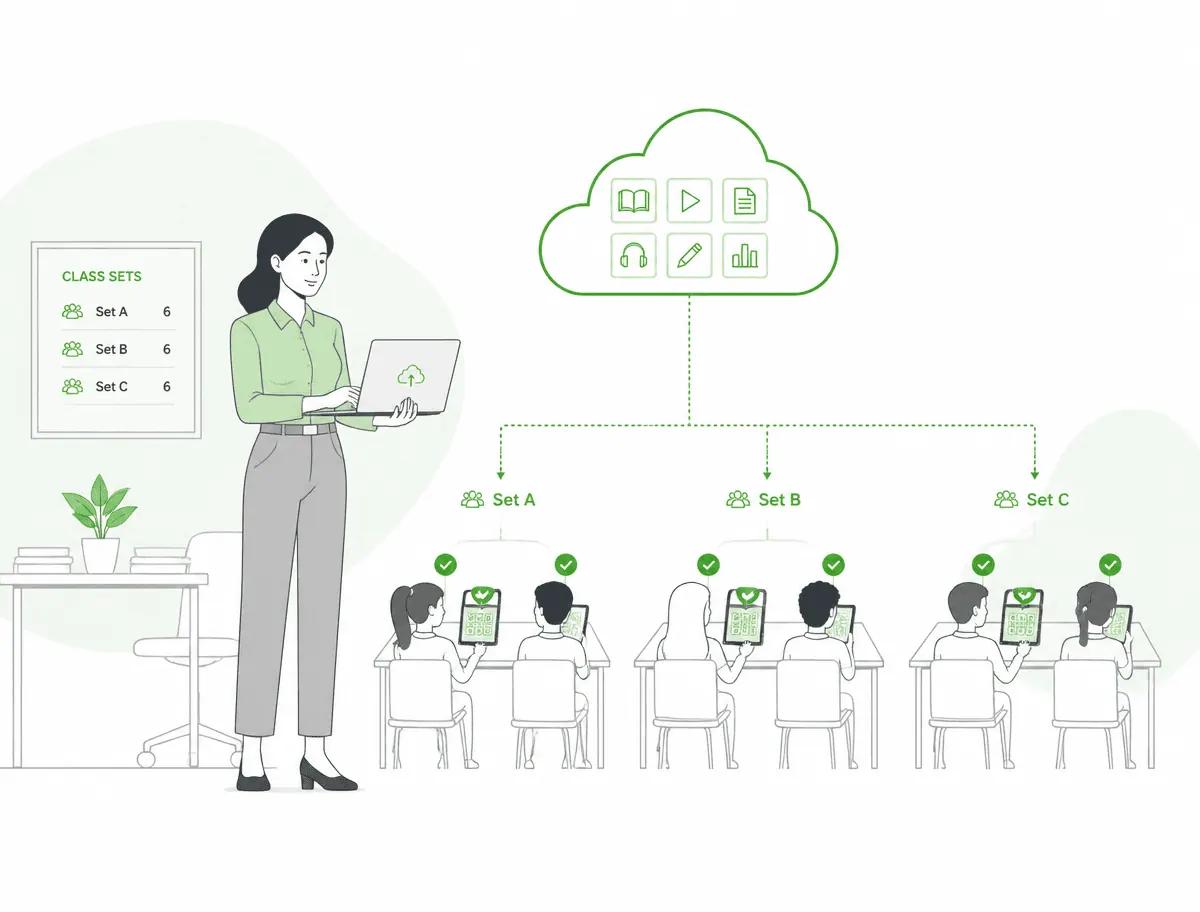
Centrally deliver learning apps and content to the right devices
Learning software, reference materials, forms, and textbooks are automatically delivered to the devices of the right class or group – without anyone having to install them manually.
- Distribute apps and updates without teacher intervention
- Make content and documents available offline too
- Centrally define app permissions and settings
APPLE TV IN THE CLASSROOM
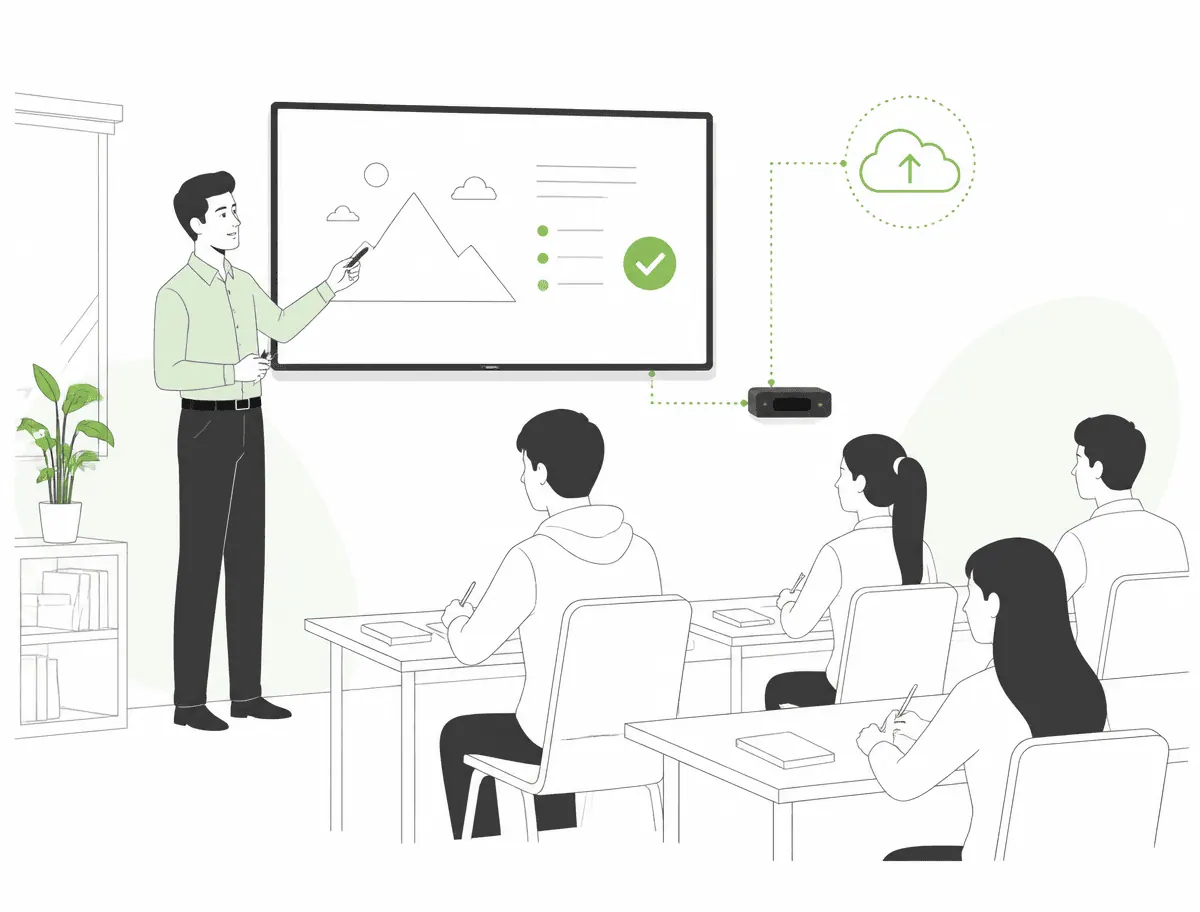
Centrally provide Apple TV in the classroom
Present without cables: Apple TV is managed together with iPads and Android devices in the same interface – from Wi-Fi access to remote resets.
- Centrally define Wi-Fi access, apps, and settings
- Prevent sign-in with personal Apple Accounts
- Remotely reset devices in classrooms and presentation rooms
SCHOOL YEAR TRANSITION
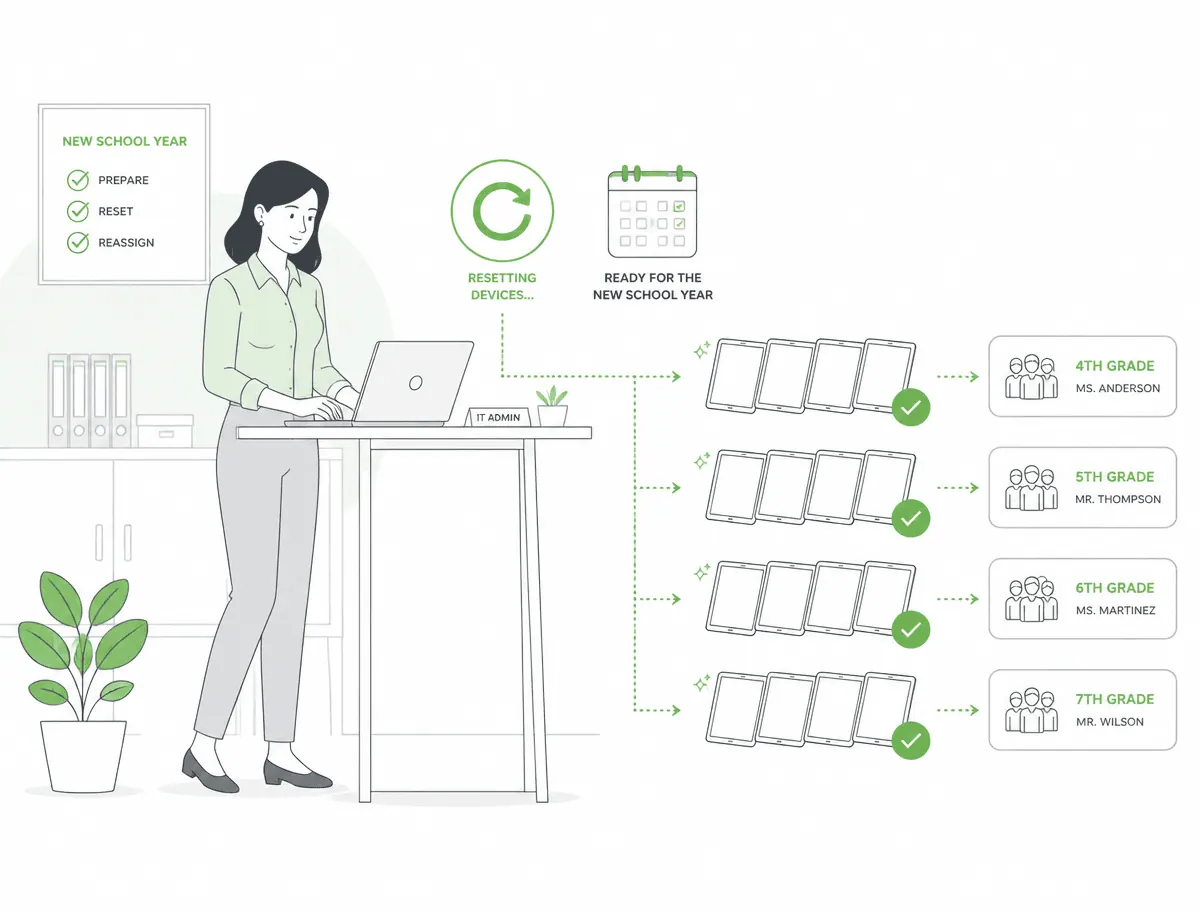
Reset and reassign devices in line with the school year cycle
At the end of the school year, devices are collected, reset, and reassigned – centrally from the console instead of handling each device one by one.
- Reset devices in bulk and assign them to new classes
- Keep track of lost or damaged devices at any time
- Keep inventory and assignments documented
USE CASES
Built for everyday school and university life
From classrooms to administration to school authorities: Cortado MDM covers mobile scenarios in educational institutions.
Classrooms & teaching
Provide tablets with exactly the apps and content needed for class.
Classroom sets & device loans
Centrally manage, assign, and reset tablet carts and loaner devices after use.
Apple TV & presentation rooms
Configure and secure presentation devices consistently in classrooms, subject rooms, and event spaces.
Teacher devices
Run teachers’ work iPads and notebooks with a clear separation between work and personal use.
School administration & office
Use devices in the school office, school leadership, and administration securely and in compliance with data protection requirements.
Music & art schools
Set up tablets as instruments, music stands, and learning tools – with fixed, predefined apps.
Vocational schools & training
Provide specialized and exam apps and configure devices by training program.
Universities & libraries
Restrict devices in lecture halls, learning spaces, and libraries to approved content.
School authorities & data center
Support multiple schools from one interface – with separate groups and consistent requirements.
WHY CORTADO
Why educational institutions choose Cortado
In schools and universities, technology has to work in everyday use – legally sound, compliant with data protection requirements, and without a lengthy project.
Compliance
Requirements from the state, school authority, and supervisory bodies can be implemented and documented transparently – including consistent policies for all devices.
Data protection
German company, hosting in Frankfurt, data processing under the EU GDPR – and no access to users’ private content.
Stable management
Even large device fleets run reliably in day-to-day school use: clear groups, reusable templates, and an easy-to-understand interface without specialist knowledge.
Migration capability
Switching from an existing solution can be done step by step – school by school or class by class, without setting everything up again from scratch.
AWARDS





CUSTOMER CASE STUDIES
Education in practice
Three educational institutions that centrally operate their devices with Cortado MDM.
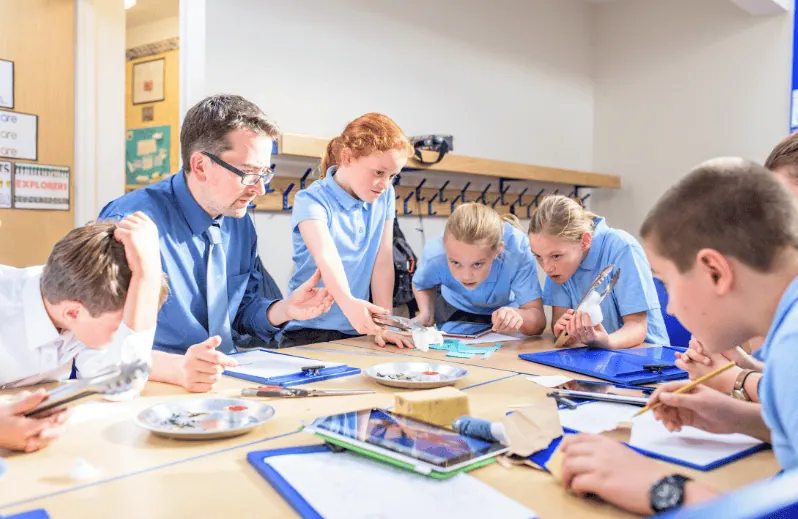
iPads for teaching at schools in Halle
BildungswesenThe city of Halle equips schools with iPads and manages the devices centrally with Cortado MDM.
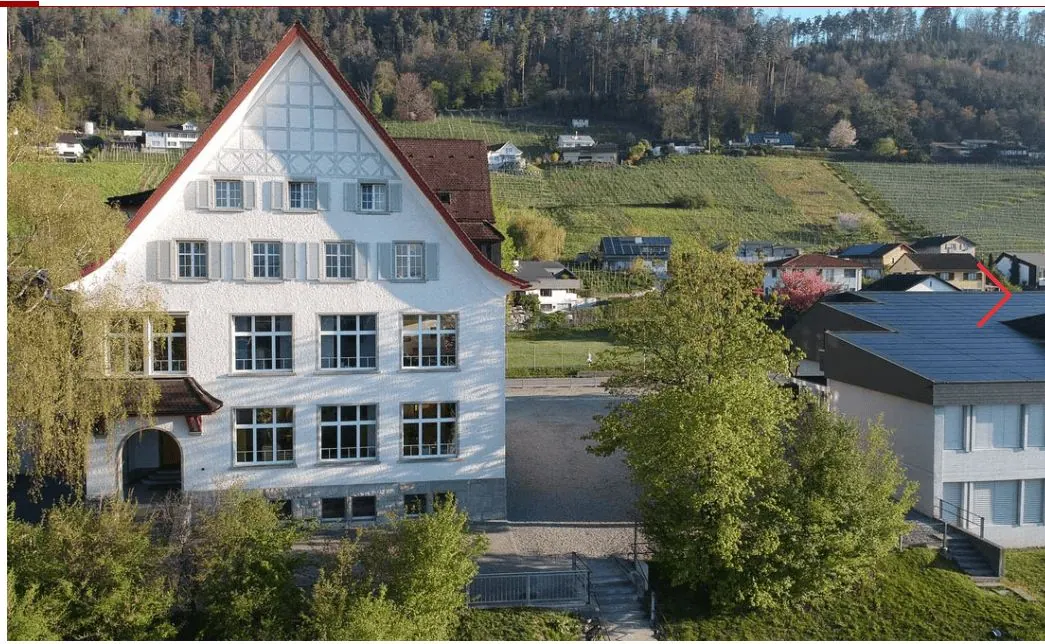
Teaching secured with MDM & iPads
BildungswesenBalgach Primary School operates iPads securely and consistently in the classroom and for homeschooling.

Digitalization of music & art schools
BildungswesenBöblingen Music and Art School uses tablets as learning and practice tools – centrally managed.
FAQ
Frequently asked questions from education
How is data from students and teachers protected?
expand_more
Do shared devices work for classroom sets?
expand_more
Can Apple TV be managed for classroom use too?
expand_more
Can we switch from an existing MDM solution?
expand_more
Are Apple and Android devices supported equally?
expand_more
Keep classroom devices securely under control
Try Cortado MDM for free or let us show you how tablets, teacher devices, and Apple TV can be managed centrally.